
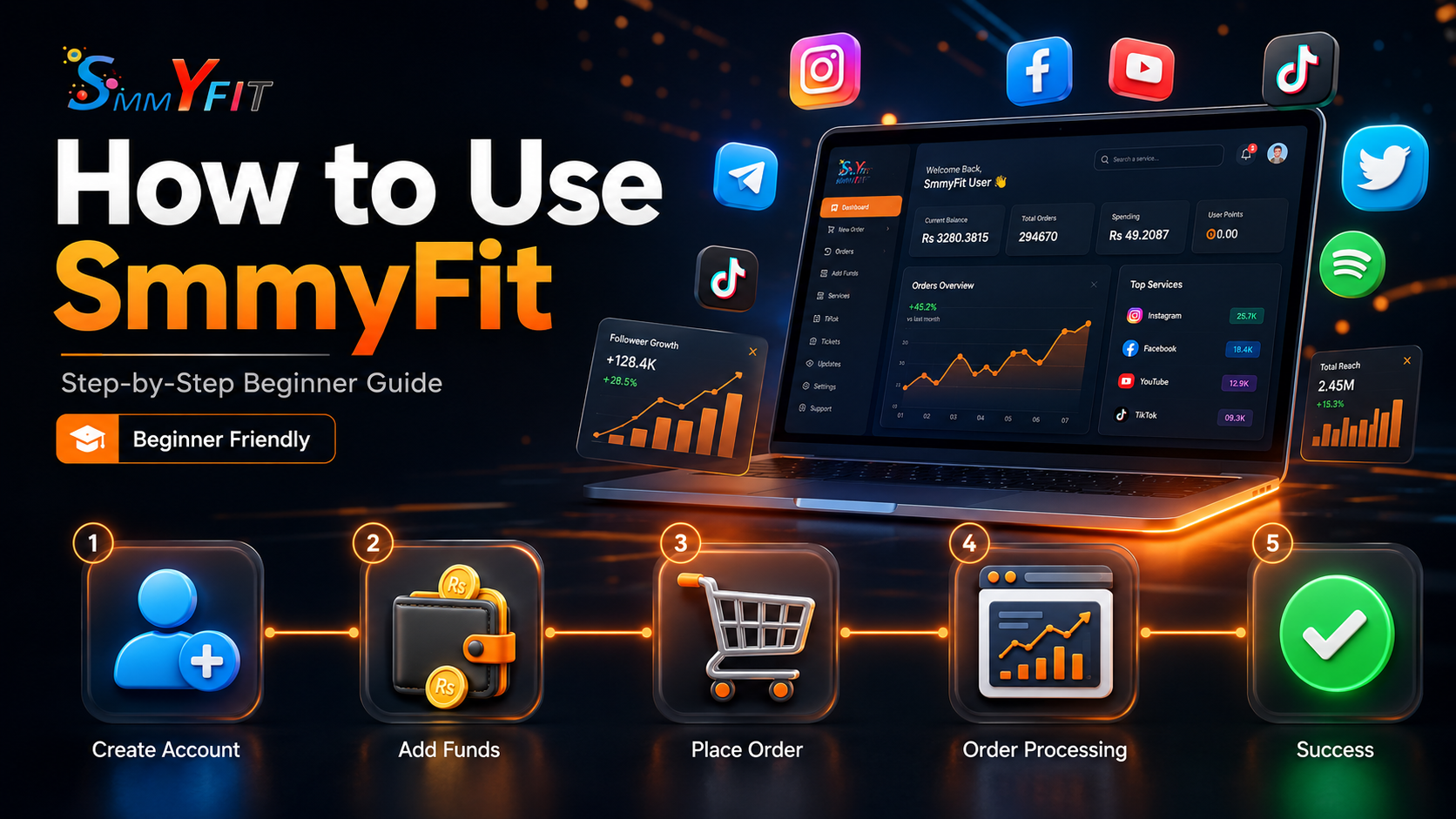
Learn how to use SmmyFit step by step. This beginner-friendly guide explains how to create an account, add funds, place orders, and manage your social media services with ease.
What Is SmmyFit?
SmmyFit is an all-in-one Social Media Marketing (SMM) platform that helps individuals, businesses, creators, and agencies grow their online presence. It offers reliable services for Instagram, TikTok, YouTube, Facebook, and other major platforms through a fast, secure, and user-friendly dashboard.
Step 1: Create Your Account
Visit SmmyFit.com and register using your email address. Once your account is created, sign in to access your personal dashboard and start using all available services.
Step 2: Access Your Dashboard
After logging in, you can explore all available services, monitor your account balance, place new orders, track existing orders, and manage your account from one simple dashboard.
Step 3: Add Funds
Before placing an order, add balance to your account using your preferred payment method. Your funds will be available as soon as the payment is successfully processed.
Step 4: Select a Service
Choose the platform and service that matches your needs. SmmyFit offers followers, likes, views, watch time, comments, and engagement services across multiple social media platforms.
Step 5: Place Your Order
Select the service, enter your profile or post URL, choose the desired quantity, and submit your order. Make sure your profile or content is publicly accessible before placing an order.
Step 6: Track Order Progress
Monitor every order from your dashboard. You can check whether your order is Pending, Processing, In Progress, Completed, Partial, or Cancelled directly from the Orders section.
Tips for Better Results
- Start with smaller quantities.
- Use high-quality content consistently.
- Combine SMM services with organic marketing.
- Avoid placing large orders all at once.
- Keep your social media profiles active.
Why Choose SmmyFit?
SmmyFit is designed to provide reliable social media marketing services with an easy-to-use interface, affordable pricing, fast processing, secure payments, and responsive customer support for both beginners and professionals.
Final Thoughts
Getting started with SmmyFit is simple and requires only a few steps. By following this guide and using services responsibly, you can manage your campaigns efficiently and build a stronger online presence across multiple social media platforms.
Frequently Asked Questions
What does Refill mean?
Refill restores followers, likes, or views if they drop after delivery, provided the selected service includes refill support.
What does Refund mean?
A refund is issued when an order cannot be completed. The remaining amount is automatically returned to your SmmyFit wallet balance.
What does Processing mean?
Processing indicates that your order has started and is currently being delivered.
What does Pending mean?
Pending means your order has been received and is waiting in the queue before delivery begins.
What does In Progress mean?
In Progress shows that your order is actively being delivered but has not finished yet.
What does Completed mean?
Completed means your order has been delivered successfully according to the requested quantity.
What does Partial mean?
Partial means only part of the order could be delivered. The remaining balance is usually refunded automatically.
What does Cancelled mean?
Cancelled means the order could not be started or was stopped before processing. The order amount is normally returned to your wallet balance.